
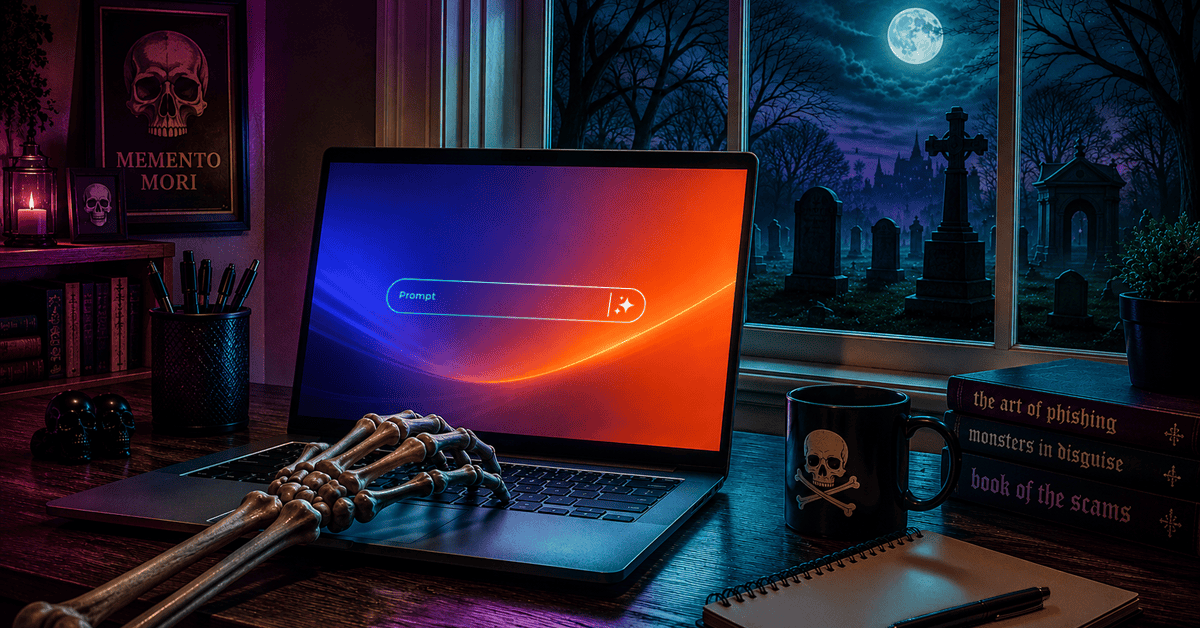
Take a look around any neighborhood this Halloween, and you’ll see plenty of monsters roaming the streets. Vampires, mummies and other spooky creatures will be out causing “havoc” (mostly trick-or-treating and going to Halloween parties).
But the real threats businesses need to worry about don’t announce themselves or show up wearing scary costumes. In fact, some of them are getting pretty good at looking and sounding like people you already know.
While businesses are finding new ways to use artificial intelligence (AI) to improve productivity and strengthen security, cybercriminals are using the same technology to make their scams more convincing.
As Halloween approaches, it’s worth looking at a few of the ways AI is changing cybersecurity threats. Fortunately, protecting your business doesn’t require becoming an expert at spotting AI-generated content. It starts with good security habits, clear procedures and knowing when to question something that doesn’t seem right.
Garlic around your neck won’t help much here, but these safeguards certainly can.
AI Shapeshifters: Sounding Right Isn’t Enough Anymore
There was a time when hearing someone’s voice or seeing them on video was pretty convincing evidence that you were actually dealing with that person. That’s becoming less reliable.
AI can now generate realistic voice recordings, phone conversations and videos that impersonate real people. A cybercriminal could use a convincing voice message that sounds like your boss or a video that appears to show someone from your company requesting sensitive information.
Even if you think you’re good at spotting AI-generated content, the technology keeps improving. Many of the visual and audio clues people have learned to look for are becoming less reliable.
Rather than expecting employees to recognize every fake, businesses should have verification procedures for sensitive requests.
For example, if someone requests a wire transfer, changes banking information or asks for access to confidential data, employees should verify the request through a trusted communication channel.
The best defense against an AI shapeshifter isn’t recognizing the disguise. It’s having a process that works even when the disguise is convincing.
AI Mummies: Old Scams Wrapped in Something New
Remember when phishing emails were easier to recognize?
Misspelled words, awkward sentences, strange greetings and obvious grammatical mistakes used to be some of the biggest warning signs. Those scams haven’t disappeared, but AI has made it much easier for cybercriminals to dress them up.
Today’s phishing messages can have perfect spelling and grammar, reference real companies and vendors, and sound remarkably similar to normal business communications.
Like a mummy wrapped in fresh bandages, it’s still the same old threat underneath. It just has a more convincing appearance.
That’s why employees need to look beyond how professional a message appears and pay attention to what it’s asking them to do.
Is someone unexpectedly requesting sensitive information? Are payment instructions suddenly changing? Does an email create unusual urgency or ask you to sign in through an unfamiliar link?
A message can look completely legitimate and still be a scam.
Don’t assume an email is safe just because it looks professional and gets the details right.
AI Vampires: Never Invite Them In
In traditional vampire stories, a vampire can’t enter someone’s home unless they’re invited inside.
There’s a similar lesson when it comes to using AI tools at work. Employees are discovering all kinds of ways to use AI to make their jobs easier. They might use it to summarize documents, write emails, analyze spreadsheets or organize information.
The problem comes when employees start using AI tools that haven’t been approved by the business, sometimes referred to as “shadow AI.”
Imagine an employee copying a quarterly financial report into a free AI tool and asking it to summarize the results. Or someone uploading a customer spreadsheet to help organize the data.
Those actions might seem harmless, but depending on the tool and its settings, sensitive company information could be stored, processed or shared in ways the business hasn’t approved.
Some AI tools can also connect directly to company applications, making it even more important to understand what information they can access.
Before allowing an AI tool to handle company information, businesses should understand:
- What information employees are allowed to share
- Where that information is stored and processed
- Whether the AI provider uses submitted information to train its models
- What company systems or applications the tool can access
- Which AI tools are approved for business use
If you can’t answer those questions, it’s worth finding out before sharing sensitive information.
Just like the vampires in those old stories, be careful what you invite inside.
The Best Defense Against AI Monsters? Better Rules.
AI has made many familiar cyber threats faster, cheaper and more convincing. Scammers can create realistic messages, impersonate trusted individuals and take advantage of employees who are simply trying to get their work done.
But businesses don’t have to rely on employees becoming experts at identifying every AI-generated scam. Clear security procedures can make a big difference.
Employees should know how to verify unusual requests, when to report suspicious activity and what information should never be shared with unapproved AI tools. Multi-factor authentication, security awareness training, access controls and monitoring also play important roles in protecting your business.
The goal isn’t to make everyone afraid of AI. It’s to make sure your business can use the technology safely while recognizing the risks that come with it.
Is Your Business Prepared for the Spooky Side of AI?
AI is becoming part of everyday business operations, whether companies have formally adopted it or not. That makes now a good time to review how your employees are using AI and whether your existing cybersecurity policies address the risks.
At AT-NET Services, we help businesses understand their cybersecurity risks, strengthen their protections and develop practical approaches to using new technology securely. This Cybersecurity Awareness Month, take a few minutes to ask whether your business is prepared for the threats AI is making possible.
Schedule a free 10-minute discovery call with AT-NET. We’ll talk about how your employees are using AI, how sensitive requests are verified and where your current security approach may need some attention.
No garlic, wooden stakes or silver bullets required.


